
Loading page preview
Sample material 1
Introduction to Natural Language Processing from a Machine Learning Perspective
English course material / NLP from ML
Page 1 / 28
Download PDFAutoFigure-Slide turns papers, grants, business plans, project reports, and course materials into business-ready image-based PPT pages. For better results, provide the source content, audience, use case, page count, and style requirements clearly. If a slide should contain your own images, describe the placeholder area and replace or cover it manually after generation.
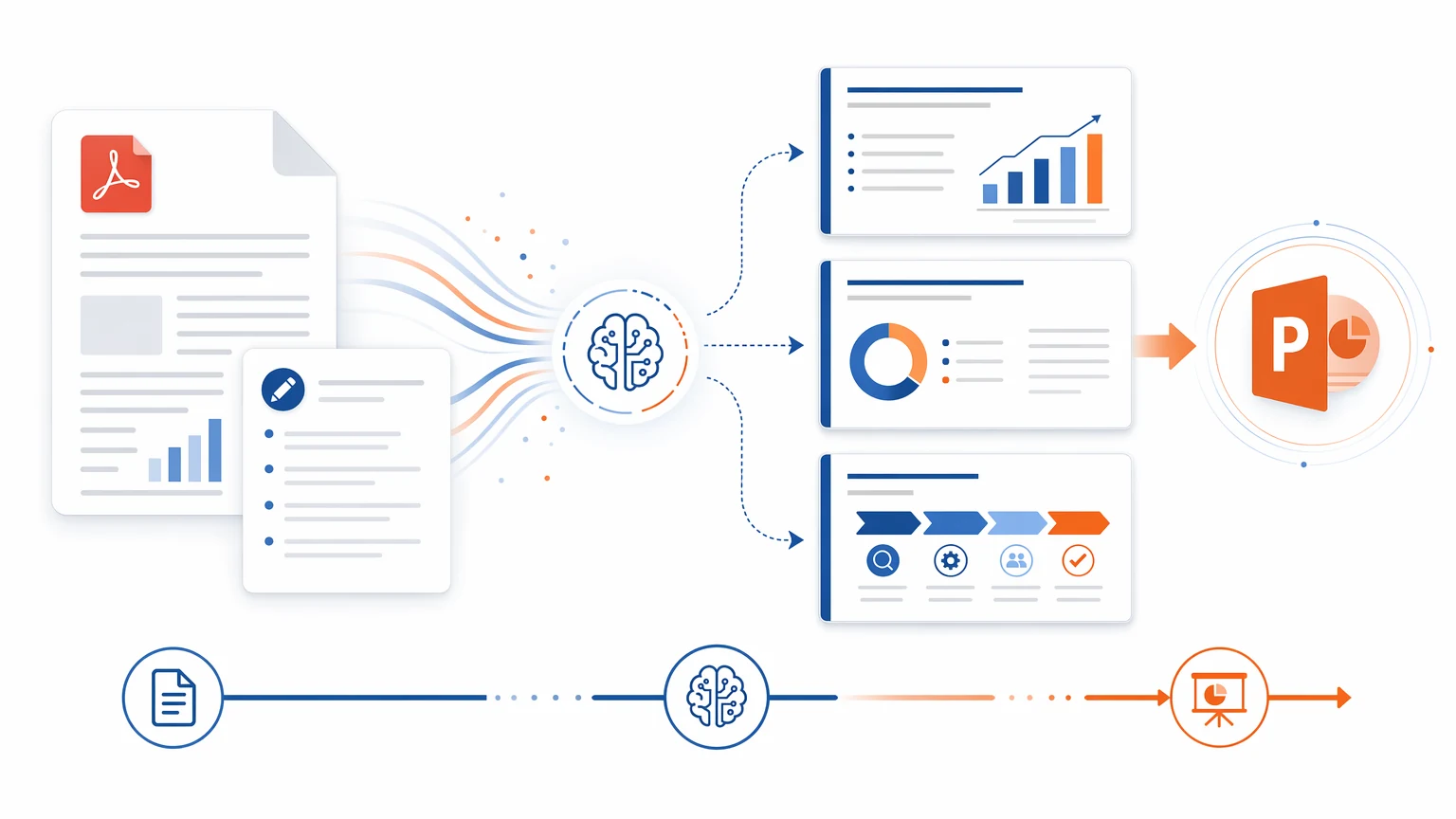
The process is intentionally short, and the generation page streams status while the deck is being made.
Paste a paper, proposal, business plan, course material, or upload a PDF in the creation dialog.
Specify the audience, purpose, tone, palette, page count, and points that must be emphasized.
Each run supports 4 to 28 pages. Every successfully generated page costs 428 credits; failed pages are not charged.
When the run finishes, download PPT/PDF from the PPTist page. Review text carefully before formal use.
This short demo shows the actual flow from reviewing an AutoFigure-Slide result to editing and exporting files. For email or community posts, link to this page instead of attaching a large video file.
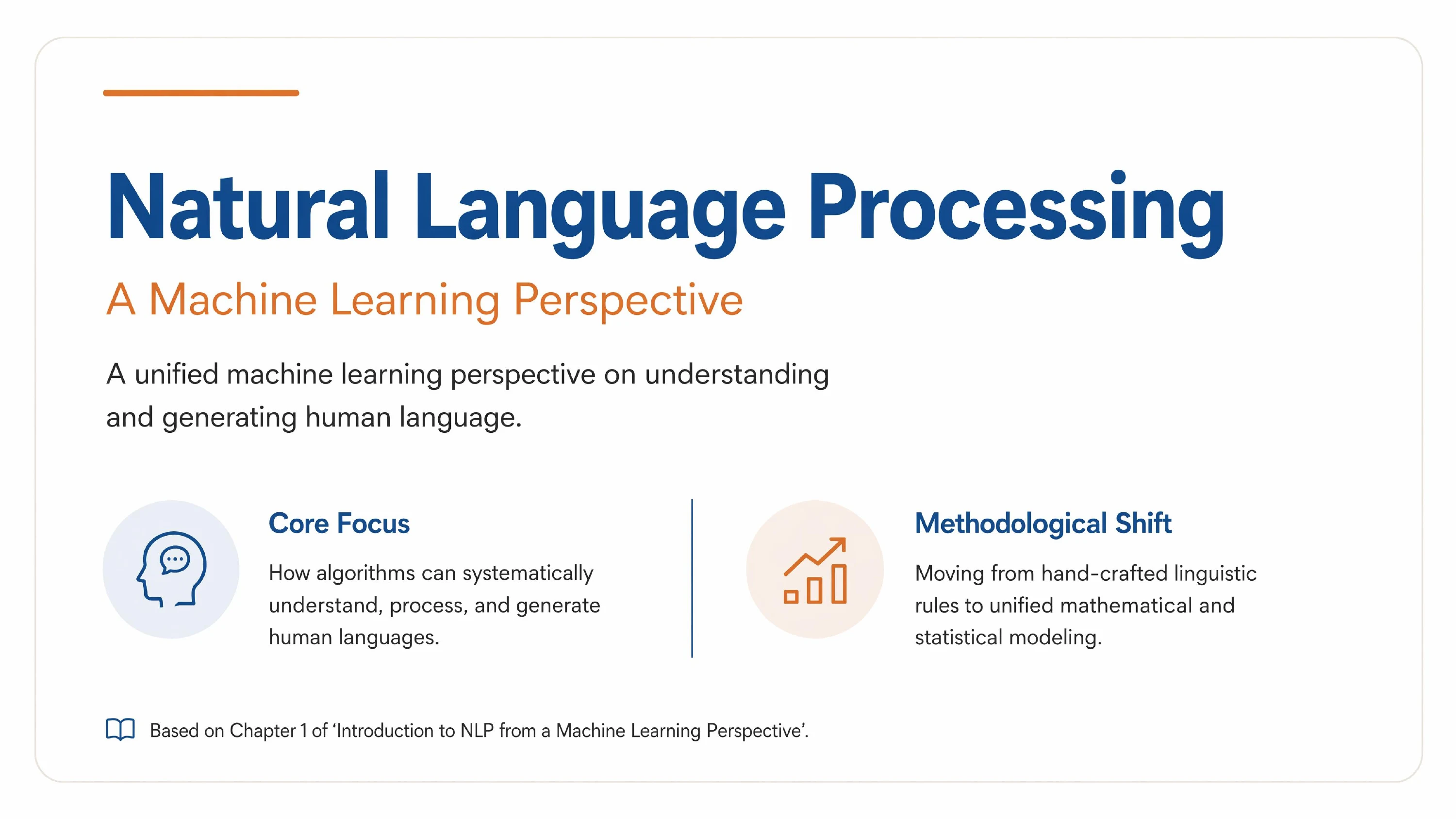
The sample PDFs are pre-rendered as lightweight page images for fast preview. You can also download the original PDFs and upload them into the creation dialog.
English course material / NLP from ML
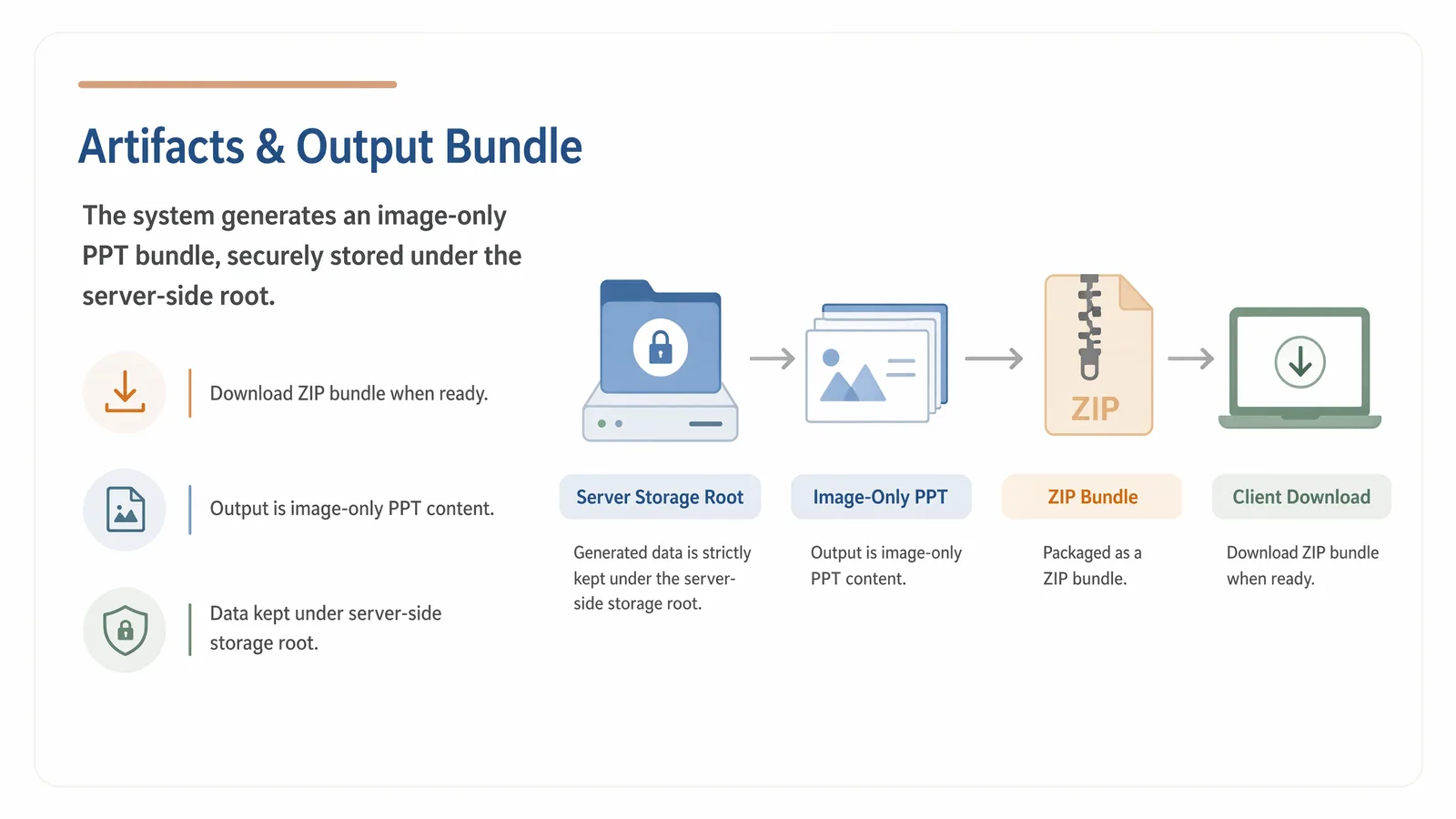
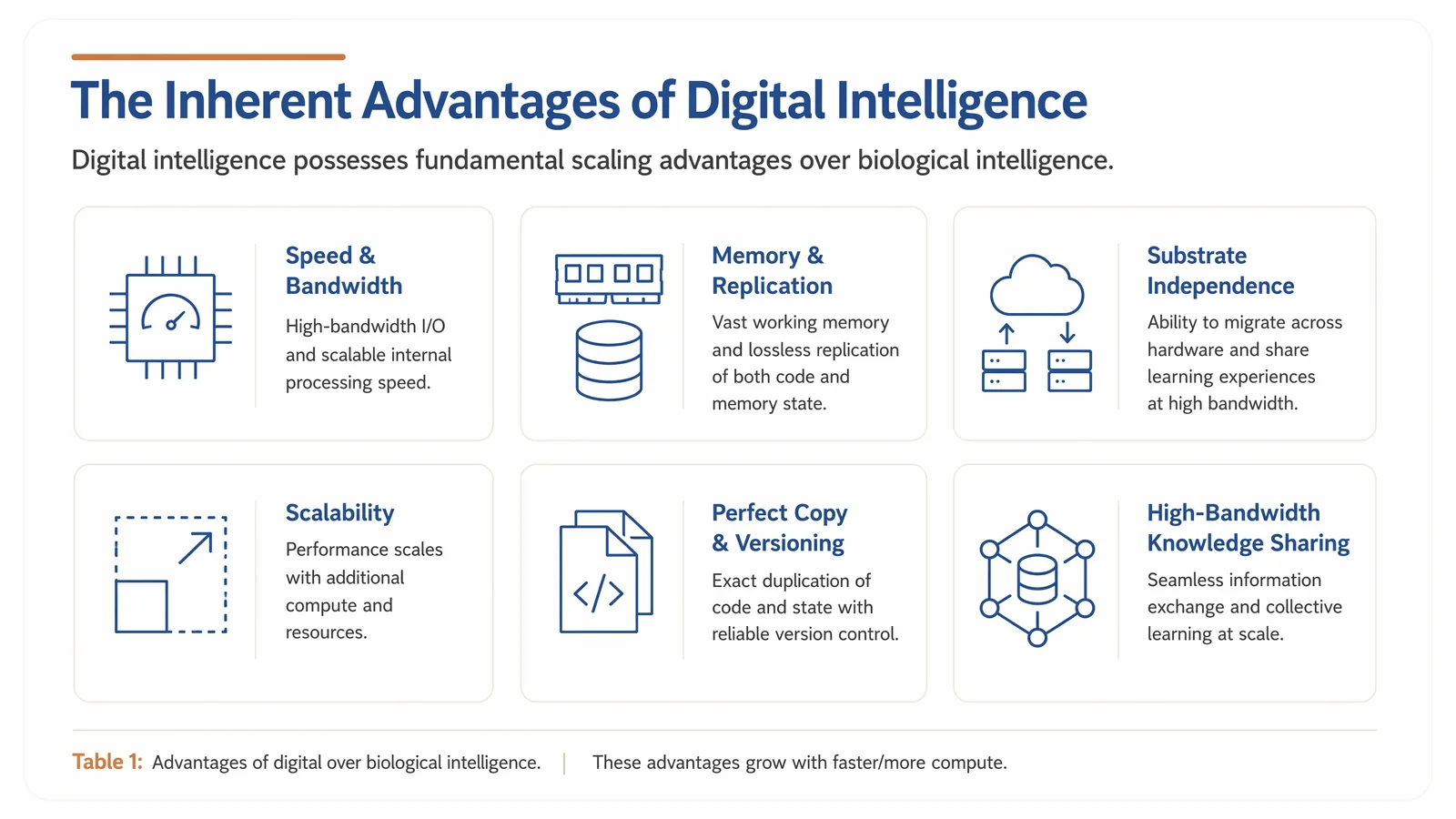
These 16:9 screenshots are from real AutoFigure-Slide runs. The final PPT is image-only; if exact wording matters, review carefully and cover imperfect text areas manually in PowerPoint.


Use API mode when you want to create AutoFigure-Slide runs from scripts, batch jobs, or third-party systems. API mode skips manual plan review, starts generation directly, then lets you poll status and download the ZIP.
import time
import requests

BASE = "https://deepscientist.cc"
HEADERS = {"Authorization": "Bearer YOUR_API_TOKEN"}

res = requests.post(f"{BASE}/api/v1/autofigure-slide/runs", headers=HEADERS, json={
    "content": "Paste complete source text here.",
    "requirements": "Whiteboard style, clean layout, image-only output.",
    "slide_count": 10,
    "complexity": {"simple": 4, "medium": 4, "advanced": 2},
    "api_mode": True,
}, timeout=600)
res.raise_for_status()
run_id = res.json()["run_id"]

while True:
    status = requests.get(f"{BASE}/api/v1/autofigure-slide/runs/{run_id}", headers=HEADERS).json()
    if status["status"] in {"completed", "failed", "cancelled"}:
        break
    time.sleep(5)

zip_file = requests.get(f"{BASE}/api/v1/autofigure-slide/runs/{run_id}/download", headers=HEADERS)
zip_file.raise_for_status()
open(f"autofigure-slide-{run_id}.zip", "wb").write(zip_file.content)AutoFigure-Slide is available to all signed-in users and charges credits only for successfully generated pages. It is best used for first drafts, visual exploration, and producing multiple candidate decks. It supports Chinese, English, and multi-domain materials, but specific requirements lead to more stable results.